
How Do I Check a Used Phone Before Buying It?
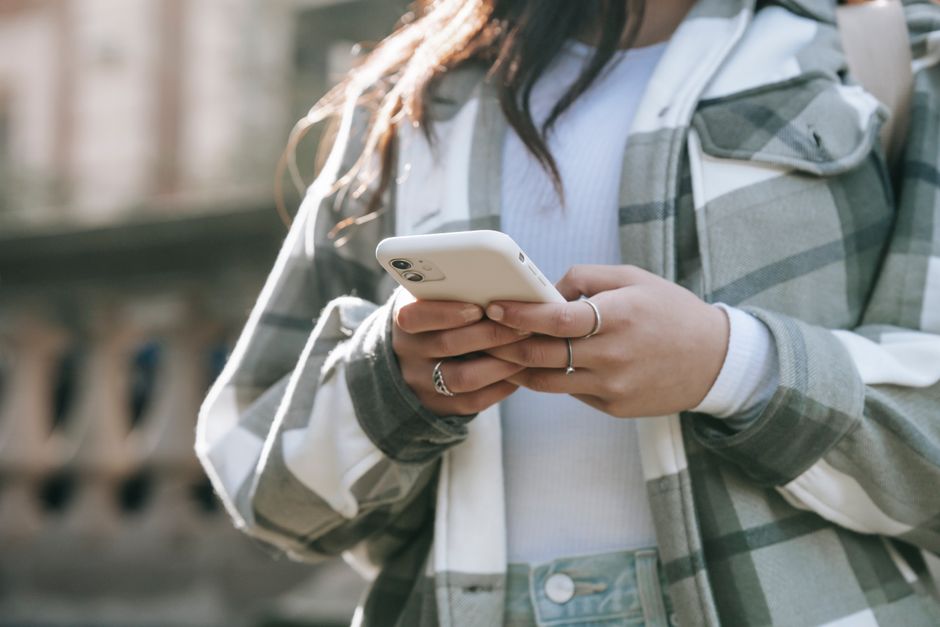
Before paying for a used phone, inspect its screen, frame, ports, and functions; check the battery and parts history; verify the IMEI with the appropriate service; and confirm the phone is unlocked and no longer tied to the previous owner’s account. Read the seller’s return terms, warranty, and payment protections first, then compare those protections with any likely repair or battery-replacement cost.
What should I check when buying a second-hand phone in person?
Check the phone’s physical condition, core functions, battery, and account status before money changes hands. Apple recommends inspecting a preowned iPhone’s screen, sides, back, and charging connector, then powering it on and testing its functions.
Start with the outside. Look for cracks, dents, gaps, or damage around the charging connector. Then power it on. Test the touch screen across its surface, buttons, cameras, speakers, microphones, charging, and any other functions you expect to use. A screen that lights up is not proof that the phone works.
On an iPhone running iOS 15.2 or later, open Settings > General > About and look for Parts and Service History. Apple says an “Unknown” part can mean the part is nongenuine, previously used, incompletely installed, or malfunctioning. That label is a reason to ask what was repaired and to weigh the answer against the seller’s warranty and return terms.
Check Settings > Battery > Battery Health for maximum capacity and any important battery messages. Apple says this information can be unavailable for unknown or nongenuine batteries, so a missing reading is not the same as a healthy battery. On iPhone 15 and later with iOS 17.4 or later, Battery Health can also show cycle count, manufacture date, first-use date, and whether replacement is recommended.
Battery capacity is a cost signal, not a complete verdict. Apple’s design benchmarks are 80% of original capacity at 500 complete charge cycles for iPhone 14 and earlier, and at 1,000 cycles for iPhone 15 and later, under ideal conditions. Actual capacity depends on use and charging, and aging can affect performance. If the battery needs replacement, include that expense in the price you are willing to pay.
Compare the seller’s offer as a whole. A private sale, a refurbisher, and a manufacturer-certified device can differ in inspection process, return rights, and warranty. Apple advises checking the seller’s certification process and return policy; the FTC says marketplace rules vary, so check who handles disputes and note any deadlines before buying. A lower asking price does not tell you what recourse you have if a fault appears.
For an online purchase, the FTC recommends checking the seller’s terms, return policy, contact information, and recent reviews. Use a credit card or secure payment system when available; paying outside the marketplace can forfeit its protections. Keep written messages and track return, refund, or claim deadlines. Put the practical checks in order: inspect, verify, read the terms, then pay.
How do I check whether a used phone’s IMEI is blacklisted?
Find the phone’s IMEI and enter it in the CTIA Stolen Phone Checker if you are buying in the United States. CTIA says the checker uses GSMA Device Check information to show whether a device has been reported lost or stolen.
The IMEI is a device identifier. CTIA says it can be found by dialing *#06#, in the phone’s settings, on its original packaging or receipt, and sometimes on or behind the SIM tray. Compare the identifier shown by the phone with any packaging or paperwork the seller provides; do not rely on a box alone.
The CTIA checker allows five free queries per day. A phone reported lost or stolen can be blocked from wireless networks or repossessed by law enforcement, according to CTIA. A clean result is a useful check, but it does not replace testing the phone, confirming account status, or reading the seller’s terms.
Run the check before payment, while the seller is present or while a return window still protects you. If the seller will not provide the IMEI or the result raises a problem, pause the transaction. The identifier is quick to check; the consequences of skipping it are not.
How can I tell if a used phone is still carrier locked?
On an iPhone, open Settings > General > About and read the Carrier Lock line: “No SIM restrictions” means the phone is unlocked, while a carrier name means it can be used only with that carrier. Check this before paying, especially if you plan to use a different network.
A phone that turns on and connects to Wi-Fi can still be carrier locked. The displayed status answers the lock question directly. If the phone is restricted to a carrier, ask the seller to resolve the restriction before the sale or price the phone only for the network it can use.
Account lock is a separate gate. Apple says Activation Lock turns on when Find My is enabled and requires the linked Apple Account password before another person can turn off Find My, erase, or reactivate the phone. Apple’s advice is blunt: “If the iPhone is Activation Locked, don't buy it.”
Ask the seller to erase the iPhone and remove it from the previous owner’s account. During setup, a request for that person’s Apple Account means the phone is still linked; an “iPhone Locked to Owner” screen also signals Activation Lock. Apple says a device is ready to use when the Hello screen appears. Complete setup far enough to confirm the old account is gone before treating the phone as yours.
Before handing over payment, make sure the device passes each gate: it works, its IMEI has no reported loss or theft, its carrier status fits your network, and the previous owner’s account lock is removed. Then use the payment method and return terms you checked in advance. Those steps turn a vague promise into checks you can see.
Frequently Asked Questions
What battery health is acceptable for a used iPhone?
Apple’s design benchmarks are 80% capacity at 500 complete charge cycles for iPhone 14 and earlier, and 80% at 1,000 cycles for iPhone 15 and later, under ideal conditions. Treat maximum capacity as one part of the decision: check for battery messages and factor a possible replacement into the total cost.
Is a refurbished phone safer to buy than one from a private seller?
A refurbisher may offer a defined certification process, warranty, or return window, but these terms vary. Apple advises checking the seller’s certification process and return policy, and the FTC recommends reviewing marketplace refund rules, contact details, and recent reviews before paying.
How do I make sure the previous owner removed their account lock?
For an iPhone, have the seller erase it and remove it from their Apple Account before payment. During setup, if it asks for the previous owner’s Apple Account or shows “iPhone Locked to Owner,” the lock remains; do not take ownership until it is removed.
Sources
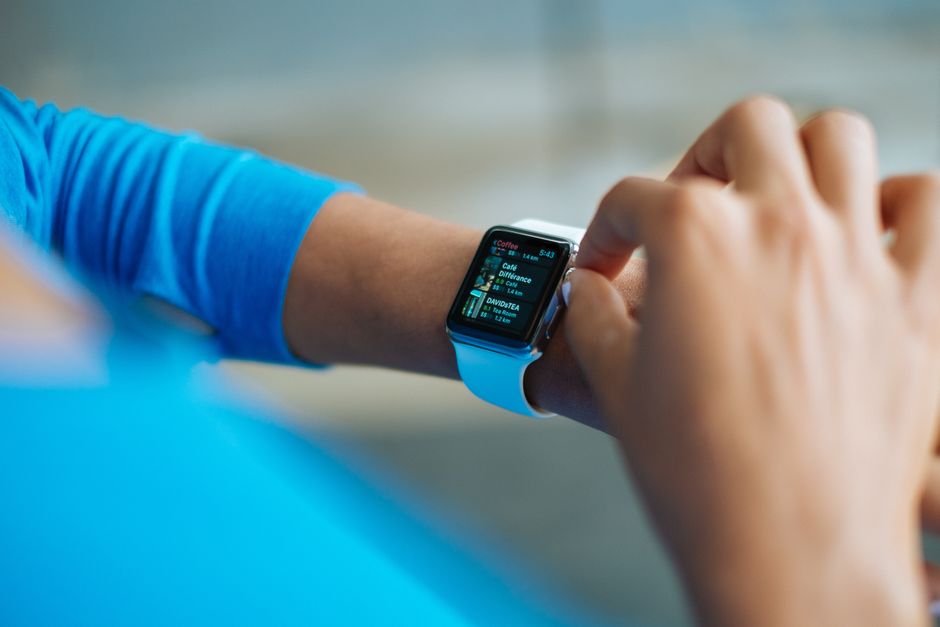
Choose a Wearable That Fits Your Training, Phone, and Routine
Compare trackers, sport watches, and smartwatches by training needs, battery life, phone compatibility, sleep tracking, and subscription costs.